If you have a monthly subscription and would like to upgrade to an annual subscription, you can do so following these steps:
Login to your account at https://policies.termageddon.com.;
Click “Add License”:
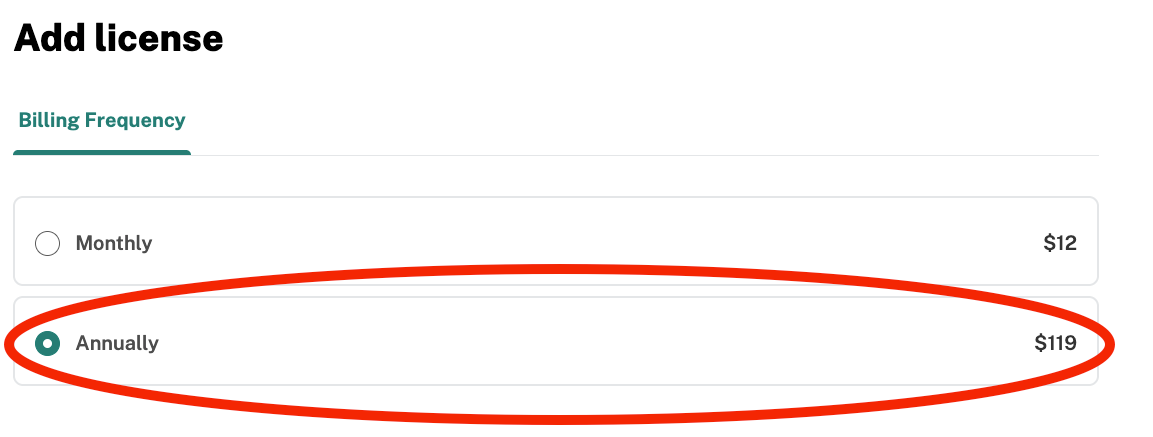
Follow the steps on the page to purchase a new, annual subscription:

Reach out to us at support@termageddon.com to request that the existing license be transferred from the monthly subscription to the annual subscription. (Please note: If you are prompted to create a new license or enter the setup flow at this point, please click “Dashboard” at the top of the screen or return to the homepage.)
We can transfer the existing license to the new, annual subscription and can also cancel the monthly subscription, if needed.
Was this article helpful?
That’s Great!
Thank you for your feedback
Sorry! We couldn't be helpful
Thank you for your feedback
Feedback sent
We appreciate your effort and will try to fix the article